Why did my AWS bill go up after a release?
7 min read
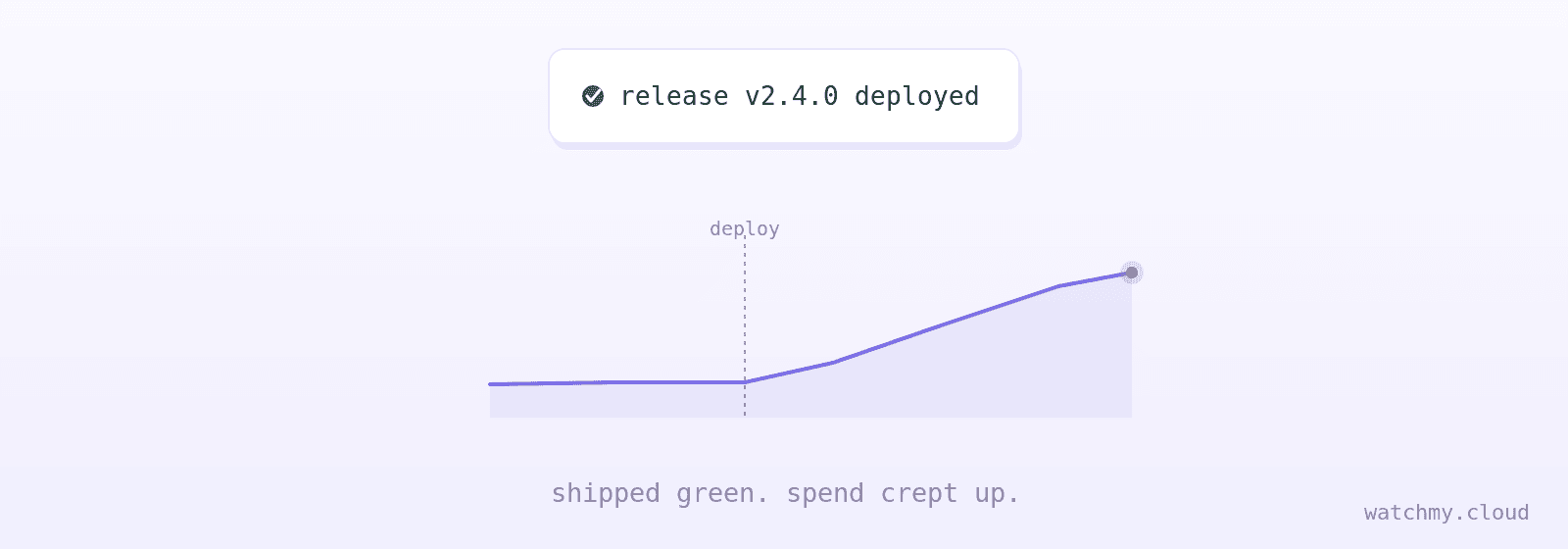
Quick answer: Because the release worked. New traffic, new features and new architecture each add a little to your hourly spend. Autoscaling absorbs it without a page. AWS Budgets thinks in months and runs a day behind, so nobody sees the step until the invoice. Watch per-service spend by the hour and you catch it the same day.
The Slack channel is full of confetti. The feature shipped. The graphs are green. Latency held. Autoscaling soaked up the traffic without a single page. Everyone goes to lunch.
Six days later someone opens the AWS console. The run-rate is up 40% on last month. Nothing broke. Nobody made a mistake. The release worked. That is the whole problem.
This is the most underrated way to burn cloud money. It does not look like an incident. No leaked key. No forgotten instance. No 3 AM page. Just good engineering that costs more than the old engineering did.
Is it a spike or a step?
Most of the time it is a step. The floor moved up, and nobody heard it.
One developer wrote a thread called the AWS bill went up again. Small infra changes went out through CDK, the code that defines their AWS setup. Each one added a little. After a few months the bill was a lot higher and nobody could point at the commit. Another team watched their AWS bill double in one month. No outage. Heavier queries and a few badly set jobs, shipped as normal growth.
Sometimes it is a spike, and success is the cause. One side project went viral overnight and, as a LinkedIn post tells it, its author woke up to a $72,000 bill. That story is second-hand. This one is not: a team's Lambda bill hit $75,000 in one weekend. An error-handling bug caused chained retries. Autoscaling scaled the retries. Shipped Friday. Found Monday.
How can one feature own the whole bill?
This is the boring version, and the scary one. The feature works. It just costs ten times what you assumed.
One summarization feature ate 60% of a team's OpenAI budget. They found out from the invoice.
A caching bug made a recommendations feature 17 times more expensive than every other feature, on Bedrock. That is the tool author's own story, and it is why the tool exists.
Another team moved an AI feature from demo to production. Token usage scaled in ways the demo never showed. There was no per-feature line to catch it.
The pattern is the same each time. The feature is fine. The unit cost changed. The bill has no line for it.
What is the architecture tax?
A release ships more than code. It ships network paths.
A missing VPC endpoint, the private path to S3, sent that traffic through a NAT gateway instead. NAT bills per gigabyte. That became a $1,000 surprise. Traffic between availability zones, because two new services landed in different ones. Data leaving AWS from a model you just deployed. Data transfer that never shows up until it is a line item. All of it rides along with a perfectly good release.
If you want the full list of quiet lines, read why did my AWS bill suddenly increase.
Why do you find out a week late?
Because the tools that come with AWS think in months.
AWS Budgets checks spend against a limit you set. It updates up to three times a day, 8 to 12 hours apart. Cost Explorer runs 12 to 48 hours behind. A run-rate that steps up on deploy day is invisible until enough of the month piles up to cross your line.
That takes a week. Often more.
The work is yours too. You pick the budget. You pick each threshold. You create an SNS topic, the pipe that carries the alert, then subscribe and confirm. When normal drifts, you re-tune. Nothing updates itself.
Cost is the one signal in your stack you look at last. Nobody at AWS gets paged when your bill doubles. AWS bills what you use. A quiet step up is your problem, and you meet it on the invoice.
What helps?
You do not need another monthly dashboard. You need to know, within hours of a deploy, that spend on one service just stepped up.
That means three things:
Compare to your own baseline, not to a fixed number. A $300 jump inside a $5,000 budget never crosses the budget line. Against last week's normal, it is a 30% day.
Look by the hour, by service. A retry storm shows up in one service, in one hour. A monthly total hides it.
Send it where the team is. The person who can roll back is in Slack, not in the billing console.
AWS Budgets can do part of this. It cannot do the first two.
How does watchmy.cloud help here?
Connect AWS. Read-only billing access. No keys. No access to what you run. One CloudFormation template, about two minutes.
Send it where work happens. Slack for fast triage. Jira for follow-up. API when you want control.
Stop worrying about it. We watch AWS spend for you, so you don't have to keep checking it.
After the connect it runs automagically. We read Cost Explorer every hour and learn what normal looks like, service by service. Two rules are on from day one. One fires when a day runs 30% above your own 7-day average. One fires when an hour costs three times what that hour normally costs. A dial from 1 to 5 sets how strict they start. A flat $49 a month. We are a small team, and this is all we do.
"The deploy went great" and "the bill went up" should not be two discoveries, a week apart.
Watching AWS spend is our full-time job. You focus on your product and sleep well.
FAQ
Why did my AWS costs go up after a deploy with no errors? The release added load, features or network paths. Autoscaling absorbed it without a page. Nothing failed, so nothing alerted. Check Cost Explorer grouped by service for the days after the deploy.
Can AWS Budgets catch a cost increase after a release? Only if the increase crosses a monthly limit you set in advance. A step up inside the budget never fires. Budgets also updates 8 to 12 hours apart, so even a big jump waits until the next check.
How fast can I know that a release raised my AWS spend? With AWS alone, a day or more. Cost Explorer runs 12 to 48 hours behind and Budgets checks a few times a day. Tools that read hourly Cost Explorer data, like watchmy.cloud, alert about an hour after the spike lands in the data.
What is the most common hidden cost after a release? Data transfer. NAT gateway processing, cross-AZ traffic and egress ride along with new services. Group Cost Explorer by usage type to see them.
How do I find which feature is driving the cost? Group Cost Explorer by service, then by usage type, around the deploy time. For LLM features, log tokens per feature yourself. AWS has no per-feature line.
See it before you connect anything: live demo, no sign-up.

More


