I forgot an EC2 instance running. What now?
7 mins read

Quick answer: Find it, stop it, then check what still bills. Open Cost Explorer, group by service, then by region. Open the EC2 console in every region that shows spend. Terminate what you do not need. Delete leftover volumes, snapshots and Elastic IPs. Then ask AWS Support for a waiver. They sometimes say yes the first time.
It happened to me. It has happened to most people who touch AWS. Here is what to do, in the order that saves the most money.
How does this happen?
Here is my version. I launched a big EC2 instance to test something with Bedrock, AWS's hosted LLM service. I played with it for an hour. Then someone pulled me into an urgent meeting. I closed the laptop. Two weeks later a bill for about $1,700 showed up.
Nobody did anything wrong. I did not forget on purpose. AWS did not overcharge me. The instance did what I asked. It ran.
The small version is $43 for an instance you forgot last month. One developer opened the console and found random resources from 2022 still running. His words: the bill gaslit him.
The long version is worse. One student paid about $1,100 over 17 months for a forgotten ECS service, a container that never stopped. That is about $65 a month. Small enough that nobody looked. Long enough to hurt.
Teams are not immune. One company found an RDS instance, a cache, and dev and staging environments that nobody had turned off in months. Not one instance. A whole shadow environment.
What keeps billing after I stop the instance?
Stopping an instance stops the compute charge. It does not stop everything. This is the part that catches people twice.
EBS volumes. The disk attached to a stopped instance still bills every hour. So does every volume you detached and never deleted.
EBS snapshots. A backup schedule you set once keeps making snapshots. Each one costs money until you delete it. Snapshots and orphaned volumes are a common surprise beyond compute.
Elastic IPs. An address that is not attached to a running instance still costs money.
Load balancers. A load balancer with no targets still bills by the hour.
RDS and caches. Databases do not stop when the app does. A stopped RDS instance also restarts itself after seven days.
NAT gateways. The box that gives private servers a way out to the internet. It bills by the hour whether traffic flows or not.
Rule of thumb: terminate, do not stop, unless you know you will come back.
How do I find everything I forgot?
Five steps. Do them in one sitting.
Open Cost Explorer. Set the last 30 days, group by Service. Every line with spend is a place to look.
Group by Region. Spend in a region you never use is either a forgotten resource or a leak. Here is how to tell them apart.
Open the EC2 console in each of those regions. Check Instances, Volumes, Snapshots, Elastic IPs and Load Balancers. The region switcher is top right. Forgotten things hide in regions you clicked once.
Check RDS, ElastiCache and NAT gateways the same way.
Terminate, then delete. Terminate the instance. Delete the volume. Delete the snapshots you do not need. Release the IP.
Do not trust memory here. Trust the bill. If Cost Explorer shows a dollar, something is running.
Will AWS refund me?
Sometimes. AWS Support can waive charges, and they often do for a first honest mistake. One developer got accidental free-tier charges waived after one support case.
Open a billing support case. Say what happened. Say that you have already terminated the resource. Ask for a one-time waiver. Be polite and short.
Do not count on it. It is a favor, not a policy. And it is a favor they grant once.
Why did my alert not fire?
Because you did not set one. Or you did, and it did not fire in time.
The second case is real. One developer paid $4,676 over six weeks for an idle Cloud Run service, Google's container host. He had a cost alert set up. It never fired. That was Google Cloud, not AWS. The lesson is the same on every cloud.
AWS Budgets comes with your account. It fires when spend crosses a number you picked. A forgotten instance under that number never crosses it. And Budgets updates up to three times a day, 8 to 12 hours apart. A month of small spend never looks like an alarm.
The work is yours too. You pick the budget. You create an SNS topic, the pipe that carries the alert, subscribe to it, confirm the subscription. When your normal spend grows, you re-tune the number. Nothing creates itself.
Nobody at AWS gets paged when your bill doubles. A quiet instance is your problem. You meet it on the invoice.
How do I make sure this never happens again?
Three habits. Pick the two you will keep.
Terminate, do not stop. If it is an experiment, kill it when you close the laptop.
Tag everything you launch by hand. A tag like
owneranddelete-afterturns a mystery into a to-do.Get an alert that watches spend, not a line you guessed. A forgotten instance is not a spike. It is a floor that moved up. You want to hear about the floor.
One more thing. In 2026 the thing we forget is not always an instance. One founder's AI agent burned $800 overnight in a retry loop. Same story. Different resource.
How does watchmy.cloud help here?
Connect AWS. Read-only billing access. No keys. No access to what you run. One CloudFormation template, about two minutes.
Stop worrying about it. We watch AWS spend for you, so you don't have to keep checking it.
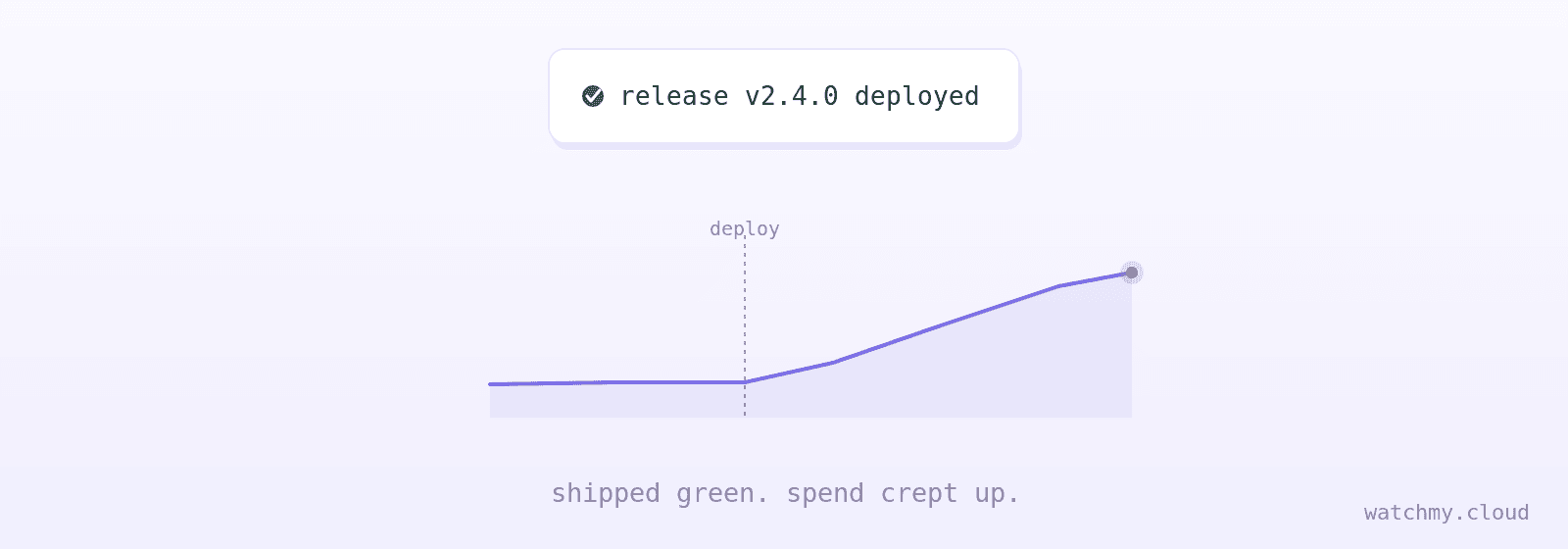
After the connect it runs automagically. We learn what your normal day costs. When a day runs 30% above your own 7-day average, you get an alert. A big instance you forgot on Friday shows up in Slack, Jira, email or SMS, not on next month's invoice. One dial, 1 to 5, sets how touchy that is. A flat $49 a month. See how it works. We are a small team, and I built this after my own $1,700 lesson.
Watching AWS spend is our full-time job. You focus on your product and sleep well.
FAQ
Does a stopped EC2 instance still cost money? Yes, a little. The compute charge stops. The EBS volume attached to it keeps billing. So do snapshots and any Elastic IP you left behind. Terminate the instance and delete the volume to stop all of it.
How do I find EC2 instances running in other regions? Open Cost Explorer and group by Region. Then open the EC2 console and switch to each region with spend. The console shows one region at a time, so a forgotten instance in another region is invisible until you switch.
Will AWS refund charges for an instance I forgot? Sometimes. Open a billing support case, explain what happened, confirm you terminated it, and ask for a one-time waiver. AWS grants these case by case. Do not plan on it.
Why didn't AWS Budgets warn me about a forgotten instance? Budgets fires only when spend crosses a number you set. A small instance under that number never triggers it. Budgets also updates only a few times a day, so a slow drift looks normal.
What is the fastest way to stop the bleeding? Terminate the instance in the EC2 console. Then delete its volume and snapshots. Then release its Elastic IP. Then check RDS, load balancers and NAT gateways in the same region.
How do I get an alert when spend goes up without picking a number? Use a tool that learns your normal spend and alerts on the change. watchmy.cloud does this with a read-only role. A day 30% above your own 7-day average fires an alert to the channel you pick.
See it before you connect anything: live demo, no sign-up.

More